Adobe Premiere CS5 Green Screen / Chroma Key Tutorial
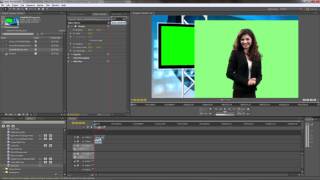
For more info, please visit: http://www.virtual-studio-set.com/ This is a quick tutorial of how to use adobe premiere in a green screen video production. This lesson will show you how to import your footage into the project, adjust and scale the layers, remove green screen and show a b-roll clip in the virtual studio monitor. The virtual studio used in this production is available at http://www.virtual-studio-set.com
Loop this playlist (1 video)Videos in this playlist
Video: fpbX1Is6Sn0